
To create a new Mailbox Database for the Personal Archives to be stored in:
New-MailboxDatabase –Name “Archive Mailbox Store” –EdbFilePath “D:\Path\Archive.edb”
To enable a specific user’s archive [and specify the database]:
Enable-Mailbox “User.Name” –Archive [–ArchiveDatabase “Archive Mailbox Store”]
To enable ALL existing user’s archives:
Get-Mailbox | Enable-Mailbox –Archive [–ArchiveDatabase “Archive Mailbox Store”]
To move the user’s Archive to the Archive Mailbox Store:
New-MoveRequest “User.Name” –ArchiveOnly –ArchiveTargetDatabase “Archive Mailbox Store”
PowerShell is the way forward, so it’s best to learn the command for the EMC (Exchange Management Shell). If you simply HAVE to use the GUI, here it is:
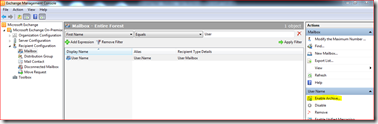
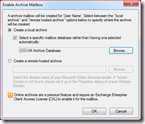
Enable Personal Archive:
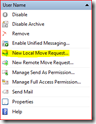
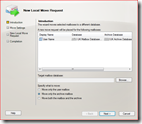
Move Personal Archive to Archive Database