
Now 6 has been GA a while and I have a little bit of time, I have begun the lab upgrade process. You can see a bit more about my lab hardware over on my lab page.
Upgrading the vCenter Orchestrator Appliance#
Upgrading the vCenter Orchestrator Appliance is child’s play - just log onto the admin interface at https://vco.fqdn.com:5480 using the root credentials.
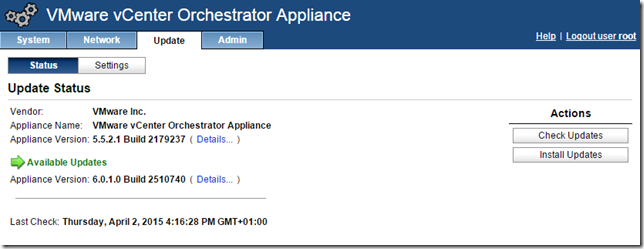
Select the update tab, then click “Check Updates”. You should see appliance version 6.0.1 available, then click Install Updates
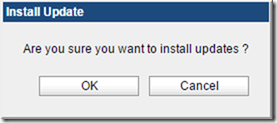
Accept the EULA and then confirm the update
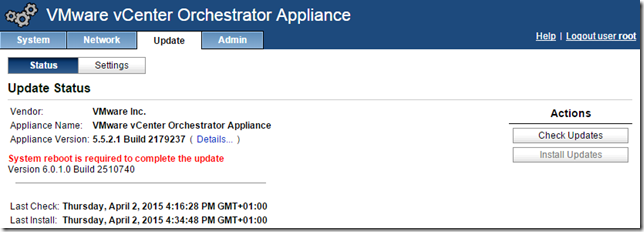
Sit back, relax and wait while the upgrade package downloads and the appliance upgrades

Reboot when prompted
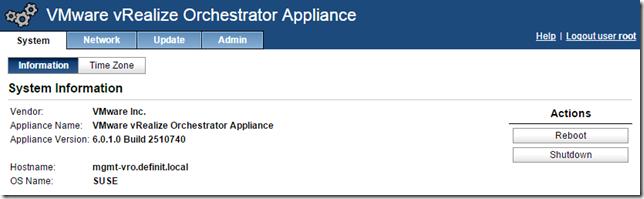
Once the reboot is completed, you have your newly upgraded vRealize Orchestrator Appliance!