
Warning: This article is now 11 years old! It is highly likely that this information is out of date and the author will have completely forgotten about it. Please take care when following any guidance to ensure you have up-to-date recommendations.

{com.cmware.cap.component.iaas.proxy.provider@csp.places.iaas.label}
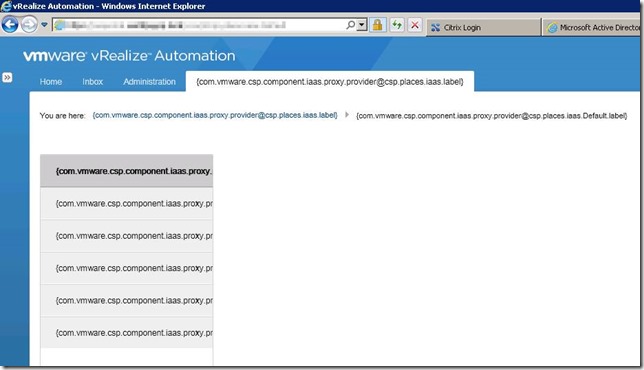
Rebooting the IaaS web servers restored the functionality of the IaaS layer but still did not fix the label issue, it took a further reboot of both vRealize Automation appliances, then the IaaS web servers to finally view the correct labels.