
Installing .NET core, PowerShell and PowerCLI on macOS Sierra
 Written by Sam McGeown
 So, this is something I’ve been waiting to write up for a while! PowerShell for macOS has been available for a while now, but what a lot of PowerCLI fans have been waiting for is to be able to use PowerCLI direct from their Mac.
Today, amidst all of the noise from VMWorld, PowerCLI Core dropped as a Fling! That means that although it’s not ready for production use yet, it is ready to start testing - and I’m way more excited than I should be!
At the moment it’s a limited subset of PowerCLI functionality (as PowerShell Core is a limited subset of PowerShell), but both PowerShell and PowerCLI are actively adding functionality at a really good rate - and VMware Flings have a pretty decent track record for being released as production (H5 client, Migrate2VCSA, VSAN HCL, Embedded Host Client - it goes on!)
Anyway, enough of my excited ramblings - lets get installing!
Install Procedure
The first step is to follow this article to install .Net Core on Mac.
Install Homebrew
Then use Homebrew to install the latest version of OpenSSL
Also install the latest version of curl:
Download the .Net Core package installer and run through the installer
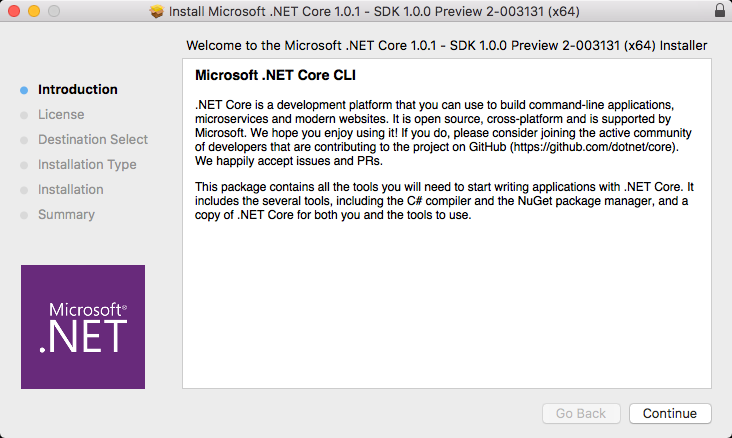
Next download the PowerShell alpha and install using:
Configure some additional libraries (basically use the new curl version installed above and openssl)
Now download the PowerCli Core zip file from the Flings site, unzip the file and unzip the modules to the correct location:
Now we’re ready to run some PowerShell! Open a new terminal and type
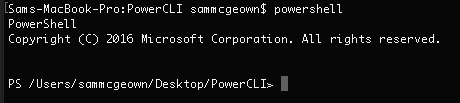
That’s not getting old any time soon! PowerShell on my Mac 🙂 Next import the PowerCLI modules:
Now we can connect to vCenter and do some PowerCLI goodness!
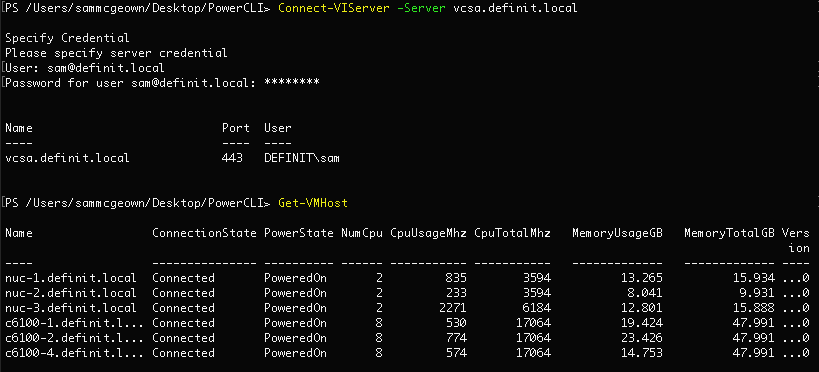
If you use custom SSL certificates, you might find that you hit the following error if your CA is not trusted by PowerShell:
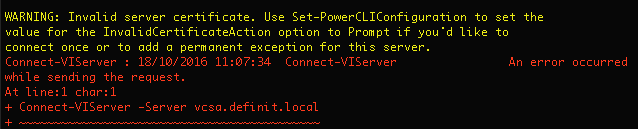
To get round this, set the InvalidCertificateAction to Prompt
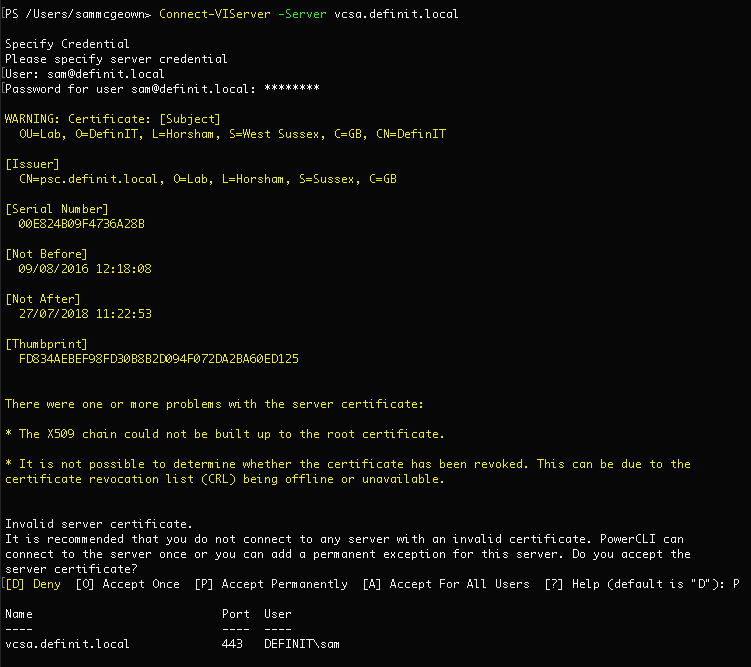
Now when you connect, you will be prompted to accept the “invalid” certificate and then connect correctly!
Currently there are two modules, PowerCLI.ViCore (the core virtual infrastructure command-lets) and PowerCLI.Vds (vSphere Distributed Switch command-lets).
Use the following command to list what’s available: